


Empower Your Classroom with the Ultimate Teacher Toolkit: Teacher Resources for Classrooms

📖 Estimated Reading Time: 3 minutes | Just Teach — Free K-5 Resources
Creating a vibrant and effective learning environment starts with having the right tools at your fingertips. As an educator, I know how important it is to feel prepared and confident every day. That’s why I want to share how you can empower your classroom with the ultimate teacher toolkit. This toolkit is designed to simplify your planning, engage your students, and make teaching more enjoyable.
Why Teacher Resources for Classrooms Matter
Teacher resources for classrooms are more than just materials - they are the foundation of a successful teaching experience. When you have access to well-organized, practical resources, you can focus more on teaching and less on scrambling for materials. These resources help you:
Save time on lesson planning
Provide diverse learning activities
Support different learning styles
Keep students motivated and engaged
For example, having ready-made worksheets, interactive games, and visual aids can transform a dull lesson into an exciting adventure. When students are engaged, they learn better and behave more positively.

Building Your Ultimate Teacher Toolkit
Building your ultimate teacher toolkit means gathering a variety of resources that cover all your teaching needs. Here’s a step-by-step guide to help you create a toolkit that works for you:
1. Start with Core Materials
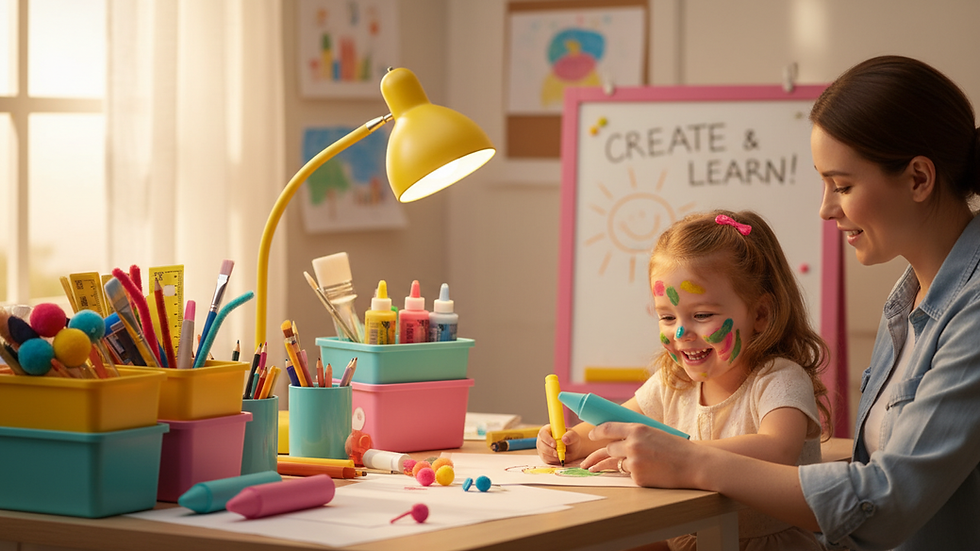
Begin with the basics: pencils, markers, paper, scissors, glue, and notebooks. These are essential for daily activities and projects. Keep these supplies organized in bins or drawers for easy access.
2. Add Curriculum-Aligned Resources
Next, include materials that align with your curriculum. This might be math manipulatives, reading comprehension cards, or science experiment kits. These resources help reinforce the concepts you teach and provide hands-on learning opportunities.
3. Incorporate Technology Tools
Technology can enhance learning when used thoughtfully. Consider adding tablets, educational apps, or interactive whiteboards to your toolkit. These tools can support personalized learning and make lessons more dynamic.
4. Include Visual and Interactive Aids
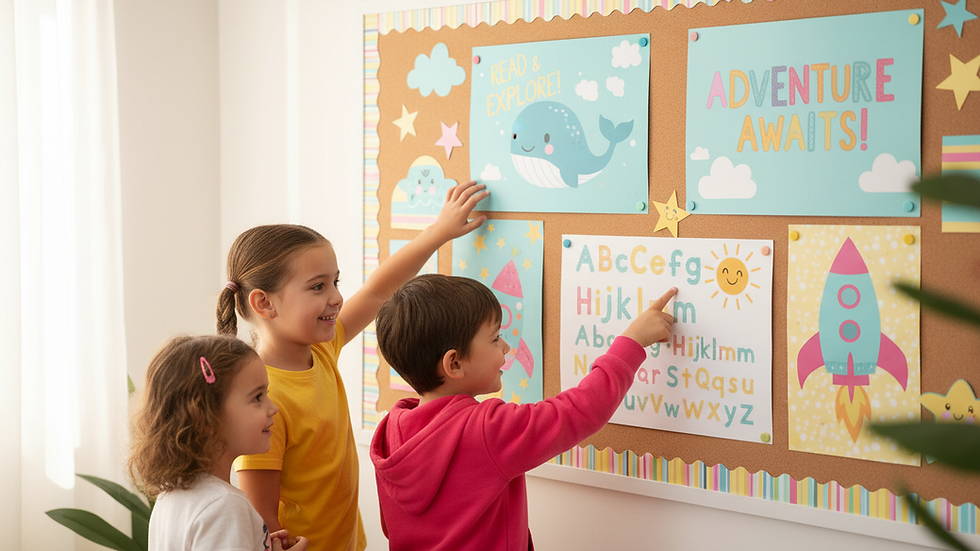
Visual aids like charts, posters, and flashcards help students grasp new ideas quickly. Interactive aids such as puzzles, games, and role-playing props encourage active participation and collaboration.
5. Organize for Efficiency
An organized toolkit saves time and reduces stress. Use labeled containers, folders, and shelves to keep everything in its place. This way, you can find what you need quickly and keep your classroom running smoothly.
How to Use Your Toolkit to Engage Students
Having a great toolkit is only part of the equation. Using it effectively is what truly empowers your classroom. Here are some practical ways to make the most of your resources:
Rotate materials regularly to keep lessons fresh and exciting.
Involve students in choosing activities to boost their interest and ownership.
Use hands-on tools to cater to kinesthetic learners.
Incorporate visual aids for students who learn best through images.
Leverage technology to provide interactive and personalized experiences.
For example, during a math lesson, you might use counting blocks for a hands-on activity, then switch to an educational app for practice. This variety keeps students engaged and helps them understand concepts from different angles.

Where to Find the Best Teacher Resources
Finding quality teacher resources can be overwhelming, but there are trusted options that make it easier. One excellent choice is the elementary teacher toolkit bundle. This bundle offers a comprehensive set of materials designed specifically for elementary educators. It includes lesson plans, printable activities, and classroom management tools that save you time and effort.
Additionally, many online platforms and educational websites provide free and paid resources. When selecting materials, look for those that:
Align with your curriculum standards
Are age-appropriate and engaging
Offer clear instructions and support
Include a variety of formats (printable, digital, hands-on)
By choosing the right resources, you can build a toolkit that supports your teaching style and meets your students’ needs.
Tips for Maintaining and Updating Your Toolkit
Your teacher toolkit is a living collection that should grow and evolve with your classroom. Here are some tips to keep it effective:
Review your toolkit at the end of each term to see what worked and what didn’t.
Replace worn-out or outdated materials regularly.
Add new resources based on student interests and curriculum changes.
Ask for student feedback on which tools help them learn best.
Share resources with colleagues to discover new ideas and materials.
Keeping your toolkit fresh ensures that you stay inspired and your students remain engaged throughout the school year.
Empower Your Teaching Journey Every Day
Empowering your classroom starts with having the right tools and knowing how to use them. The ultimate teacher toolkit is your secret weapon for creating a positive, productive learning environment. With well-chosen resources, clear organization, and thoughtful use, you can make every lesson count.
Remember, teaching is a journey, and your toolkit grows with you. Keep exploring, adapting, and adding new tools that inspire both you and your students. Together, you can achieve great things.
Let’s make teaching easier, more fun, and more effective - one resource at a time!
─────────────────────────────────────
About the Author
This article was written by the Just Teach editorial team — K-5 educators from Appleton, Wisconsin. Just Teach provides free, curriculum-aligned lesson plans, phonics resources, and instructional materials for K-5 classroom and home teachers.
🎓 Credentials: B.S. & M.Ed. in Elementary Education | K-5 Certified Teachers | Curriculum Design Specialists
─────────────────────────────────────
📣 Share This Article
Did you find this helpful? Share it with a fellow educator:
📘 Share on Facebook → https://www.facebook.com/sharer/sharer.php?u=https%3A%2F%2Fwww.justteach.co%2Fpost%2Fempower-your-classroom-with-the-ultimate-teacher-toolkit-teacher-resources-for-classrooms
🐦 Share on Twitter/X → https://twitter.com/intent/tweet?url=https%3A%2F%2Fwww.justteach.co%2Fpost%2Fempower-your-classroom-with-the-ultimate-teacher-toolkit-teacher-resources-for-classrooms&text=Empower%20Your%20Classroom%20with%20the%20Ultimate%20Teacher%20Toolkit
💼 Share on LinkedIn → https://www.linkedin.com/shareArticle?mini=true&url=https%3A%2F%2Fwww.justteach.co%2Fpost%2Fempower-your-classroom-with-the-ultimate-teacher-toolkit-teacher-resources-for-classrooms&title=Empower%20Your%20Classroom%20with%20the%20Ultimate%20Teacher%20Toolkit
─────────────────────────────────────
📚 Related Posts
Keep exploring — more free resources from Just Teach:
Simplified Teaching Method for K-5 → https://www.justteach.co/post/simplifying-teaching-with-the-simplified-teaching-method
Essential Tools for Elementary Teachers → https://www.justteach.co/post/essential-tools-for-elementary-teachers-a-guide-to-success
The Ultimate Teacher Planning Toolkit → https://www.justteach.co/post/discover-the-ultimate-elementary-teacher-planning-toolkit
✅ All resources at Just Teach are free for K-5 educators.



Comments