


Enhance Efficiency with the Top Teacher Planner

📖 Estimated Reading Time: 5 minutes | Just Teach — Free K-5 Resources
Estimated Reading Time: 4 minutes
Managing a classroom, preparing lessons, and keeping track of student progress can be overwhelming. I know how challenging it is to stay organized while trying to create an engaging learning environment. That’s why I want to share how using a digital planner can transform your teaching routine. A digital teacher planner helps you save time, reduce stress, and focus more on what matters most - your students.
Why Choose a Top Teacher Planner for Your Classroom?
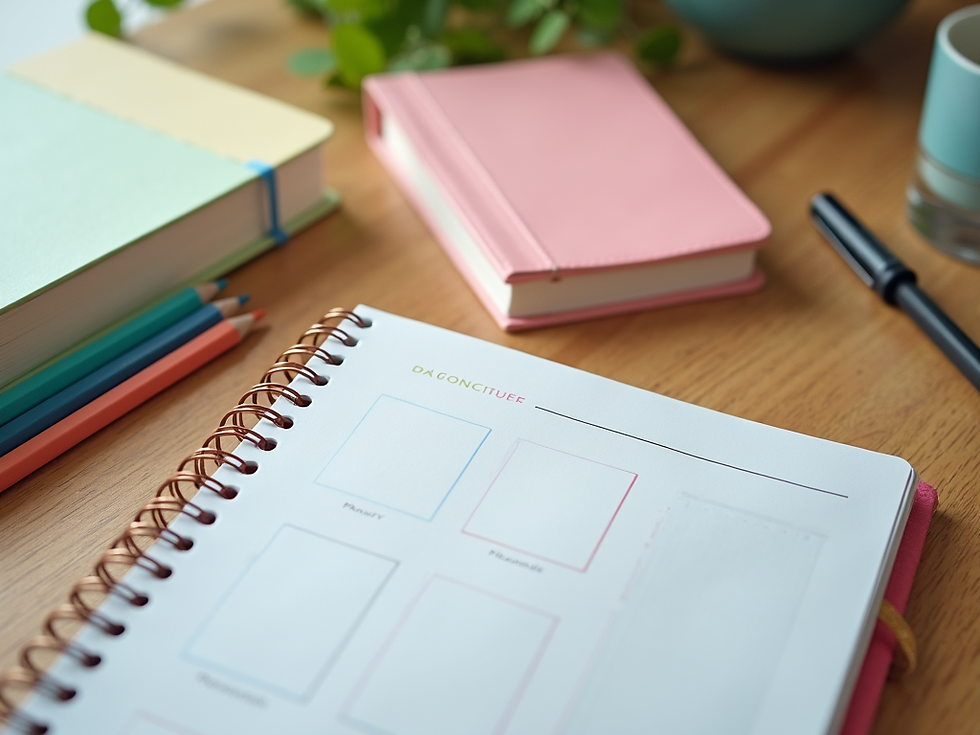
Choosing the right planner is essential. A top teacher planner is designed specifically for educators, with features that support lesson planning, attendance tracking, and communication with parents. Unlike traditional paper planners, digital planners offer flexibility and easy access from any device.
Here are some benefits I’ve found with a top teacher planner:
Easy customization: Tailor your planner to fit your teaching style and schedule.
Instant updates: Make changes on the go without messy erasures or lost pages.
Resource integration: Attach lesson plans, worksheets, and links directly to your schedule.
Collaboration: Share plans with colleagues or assistants effortlessly.
Eco-friendly: Reduce paper waste by going digital.
Using a digital planner means you can organize your day efficiently and keep everything in one place. This helps you stay on top of deadlines and be prepared for every class.

Features to Look for in a Top Teacher Planner
When selecting a planner, look for features that will make your daily tasks easier. Here are some must-haves:
Lesson Planning Templates
Ready-made templates save time and help you structure lessons clearly. Look for planners that allow you to customize these templates to fit your curriculum.
Attendance and Grade Tracking
Keeping track of attendance and grades is crucial. A good planner should have built-in tools to record and calculate these efficiently.
Calendar Integration
Sync your planner with your personal calendar to avoid scheduling conflicts and get reminders for important events.
Student Information Management
Store student contact details, learning goals, and notes in one secure place.
Printable Options
Sometimes, you may want a hard copy. Check if the planner allows you to print schedules or reports.
User-Friendly Interface
The planner should be easy to navigate, even if you’re not tech-savvy.
By focusing on these features, you can find a planner that truly supports your teaching needs.
Does Google Have a Teacher Planner?
Many educators wonder if Google offers a teacher planner. While Google does not have a dedicated teacher planner app, it provides several tools that can be combined to create a functional planning system.
Google Calendar: Use it to schedule classes, meetings, and reminders.
Google Docs and Sheets: Create lesson plans, attendance sheets, and grade books.
Google Keep: Jot down quick notes or to-do lists.
Google Classroom: Manage assignments and communicate with students.
By integrating these tools, you can build a digital planner that suits your style. However, it may require more setup and manual organization compared to a specialized planner designed for teachers.

How to Maximize Your Efficiency with a Digital Teacher Planner
Once you have your planner, it’s important to use it effectively. Here are some tips to get the most out of your digital teacher planner:
Set a Weekly Planning Routine: Dedicate time each week to plan lessons, update attendance, and review student progress.
Use Color Coding: Assign colors to different subjects, activities, or priorities to make your schedule easy to scan.
Attach Resources: Link lesson materials, videos, or websites directly to your planner entries for quick access.
Backup Your Data: Regularly save your planner data to the cloud or an external drive to avoid losing important information.
Review and Adjust: At the end of each day or week, review your plans and make adjustments as needed.
By following these steps, you’ll find that your planning becomes smoother and less time-consuming.
Why I Recommend the Best Digital Teacher Planner
After trying many options, I found the best digital teacher planner that truly meets the needs of elementary educators. It combines all the features I mentioned earlier with an intuitive design that makes planning enjoyable.
This planner helps me:
Stay organized with easy-to-use templates.
Track student progress without hassle.
Save time by having everything in one place.
Create engaging lessons that keep students motivated.
If you want to enhance your efficiency and reduce planning stress, I highly recommend giving this planner a try.
Tips for Home Educators Using a Digital Planner
Home educators can also benefit greatly from a digital teacher planner. Here’s how to make it work for you:
Customize for Your Schedule: Home education often has a flexible timetable. Use your planner to set goals and track progress at your own pace.
Include Family Activities: Plan educational outings or projects alongside lessons.
Track Multiple Students: Keep records for each child separately but in one planner.
Incorporate Online Resources: Link to educational websites, videos, and apps.
A digital planner helps home educators stay organized and ensures that learning goals are met consistently.
Creating a Positive Learning Environment with Better Planning
Good planning is the foundation of a positive classroom. When you use a digital teacher planner, you can:
Prepare lessons that are clear and engaging.
Manage your time effectively to avoid last-minute stress.
Communicate better with students and parents.
Track student achievements and tailor support where needed.
This leads to a more productive and enjoyable learning experience for everyone.
Using a top teacher planner has transformed how I manage my teaching day. It saves time, reduces stress, and helps me focus on what I love - teaching and inspiring students. Whether you teach in a classroom or at home, a digital planner is a valuable tool to enhance your efficiency and create a thriving learning environment. Give it a try and see the difference it can make!
Share This Article
Found this helpful? Share it with fellow educators!
Share on Facebook
Share on Twitter / X
Share on LinkedIn
Related Posts
Explore more free K-5 resources:
About the Author
The Just Teach Team
The Just Teach editorial team is made up of experienced K-5 classroom educators and curriculum specialists with over 15 years of combined experience in elementary education. Our contributors hold degrees in Elementary Education, Early Childhood Development, and Curriculum Design from accredited universities.
We are dedicated to making high-quality, curriculum-aligned teaching resources freely accessible to every educator — whether you're a classroom teacher, homeschool parent, or educational support professional. All resources are classroom-tested and standards-aligned for Kindergarten through Grade 5.
Visit us at justteach.co | Email: ngechent@yahoo.com
Download Printable PDF Version
Want to use this resource offline? Download the printable PDF — free, no sign-up required.
Download PDF Lesson Plan — Printable, classroom-ready version.
─────────────────────────────────────
About the Author
This article was written by the Just Teach editorial team — K-5 educators from Appleton, Wisconsin. Just Teach provides free, curriculum-aligned lesson plans, phonics resources, and instructional materials for K-5 classroom and home teachers.
🎓 Credentials: B.S. & M.Ed. in Elementary Education | K-5 Certified Teachers | Curriculum Design Specialists
─────────────────────────────────────
📣 Share This Article
Did you find this helpful? Share it with a fellow educator:
📘 Share on Facebook → https://www.facebook.com/sharer/sharer.php?u=https%3A%2F%2Fwww.justteach.co%2Fpost%2Fenhance-efficiency-with-the-top-teacher-planner
🐦 Share on Twitter/X → https://twitter.com/intent/tweet?url=https%3A%2F%2Fwww.justteach.co%2Fpost%2Fenhance-efficiency-with-the-top-teacher-planner&text=Enhance%20Efficiency%20with%20the%20Top%20Teacher%20Planner
💼 Share on LinkedIn → https://www.linkedin.com/shareArticle?mini=true&url=https%3A%2F%2Fwww.justteach.co%2Fpost%2Fenhance-efficiency-with-the-top-teacher-planner&title=Enhance%20Efficiency%20with%20the%20Top%20Teacher%20Planner
─────────────────────────────────────
📚 Related Posts
Keep exploring — more free resources from Just Teach:
Simplified Teaching Method for K-5 → https://www.justteach.co/post/simplifying-teaching-with-the-simplified-teaching-method
Essential Tools for Elementary Teachers → https://www.justteach.co/post/essential-tools-for-elementary-teachers-a-guide-to-success
The Ultimate Teacher Planning Toolkit → https://www.justteach.co/post/discover-the-ultimate-elementary-teacher-planning-toolkit
✅ All resources at Just Teach are free for K-5 educators.










Comments