


Master Your Classroom with This Teacher Toolkit Essentials

Managing a classroom can feel overwhelming at times. But with the right tools, you can create a smooth, engaging, and productive learning environment. I’ve discovered that having a solid teacher toolkit essentials makes all the difference. It helps me stay organized, keep students focused, and deliver lessons that inspire curiosity and growth.
In this post, I’ll share practical tips and must-have resources that will help you master your classroom. Whether you’re teaching in a school or at home, these ideas will support your daily teaching routine and make lesson planning easier.
Why Teacher Toolkit Essentials Matter
Every teacher needs a reliable set of tools to handle the many tasks that come with teaching. From managing behavior to organizing materials, the right toolkit helps you stay calm and confident. When you have everything you need at your fingertips, you can focus more on teaching and less on scrambling for supplies.
Here are some reasons why investing in teacher toolkit essentials is a smart move:
Saves time: Quickly find what you need without searching.
Boosts confidence: Feel prepared for any situation.
Improves classroom management: Tools help maintain order and engagement.
Supports student success: Well-planned lessons and materials help students learn better.
By building your toolkit step-by-step, you’ll create a classroom environment where both you and your students thrive.

Building Your Teacher Toolkit Essentials
Let’s break down the key components of a teacher toolkit. These essentials cover everything from planning to daily classroom management.
1. Planning and Organization Tools
Good teaching starts with good planning. Use these tools to keep your lessons and materials organized:
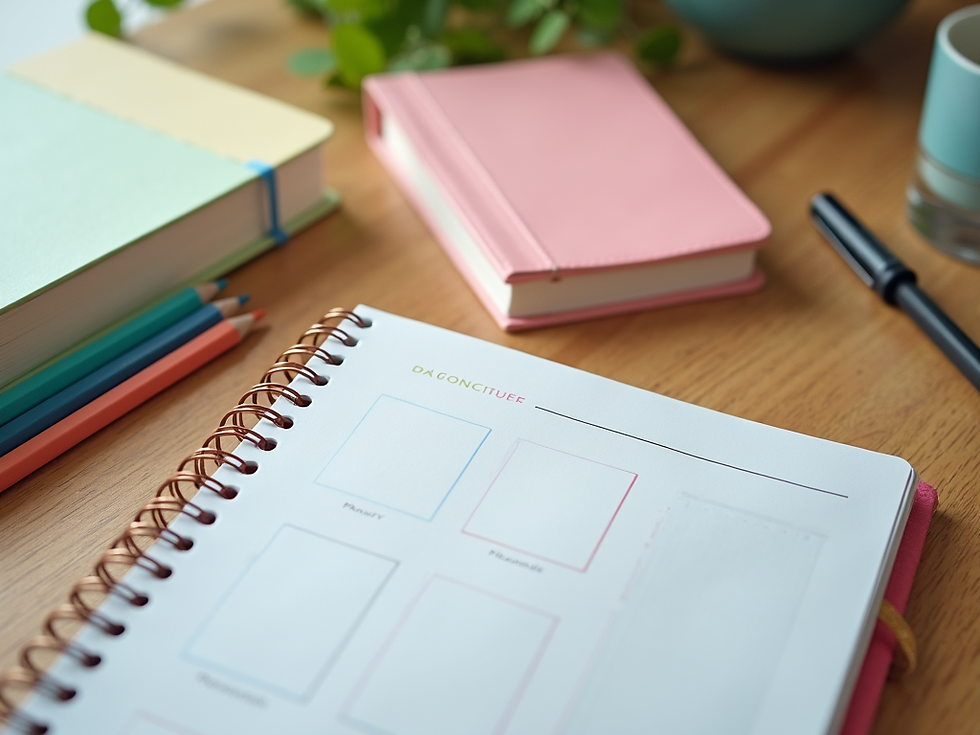
Lesson planner: Choose a planner that fits your style. It can be digital or paper-based. Write down daily objectives, activities, and assessments.
Calendar: Keep track of important dates, deadlines, and events.
Folders and binders: Organize handouts, student work, and resources by subject or week.
Labels and sticky notes: Mark important pages or materials for quick access.
2. Classroom Management Tools
Keeping students focused and on task is easier with the right tools:
Behavior charts: Visual charts help students understand expectations and track their progress.
Timers: Use timers to manage activities and transitions smoothly.
Noise level monitors: These devices help maintain a calm classroom atmosphere.
Reward systems: Stickers, tokens, or points encourage positive behavior.
3. Teaching and Learning Materials
Engaging materials make lessons come alive:
Visual aids: Posters, flashcards, and charts support different learning styles.
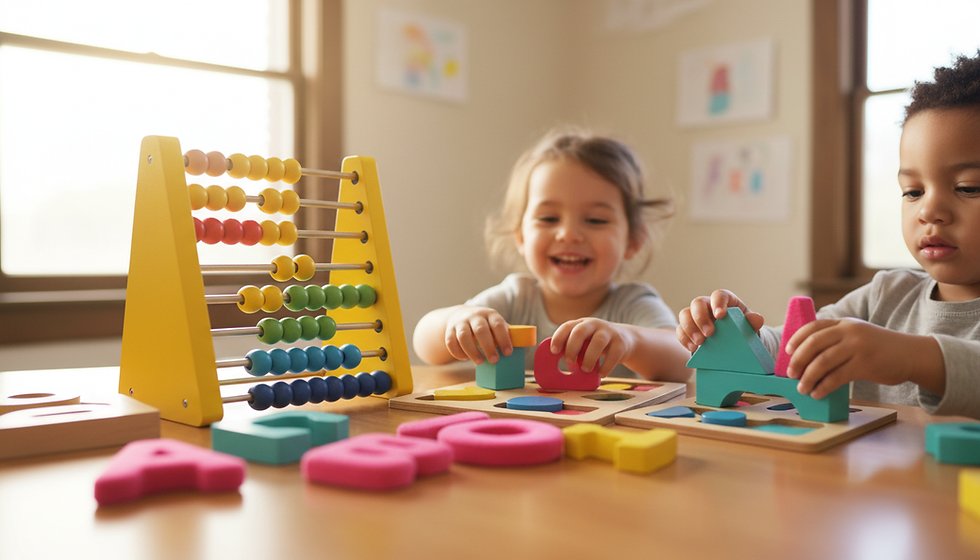
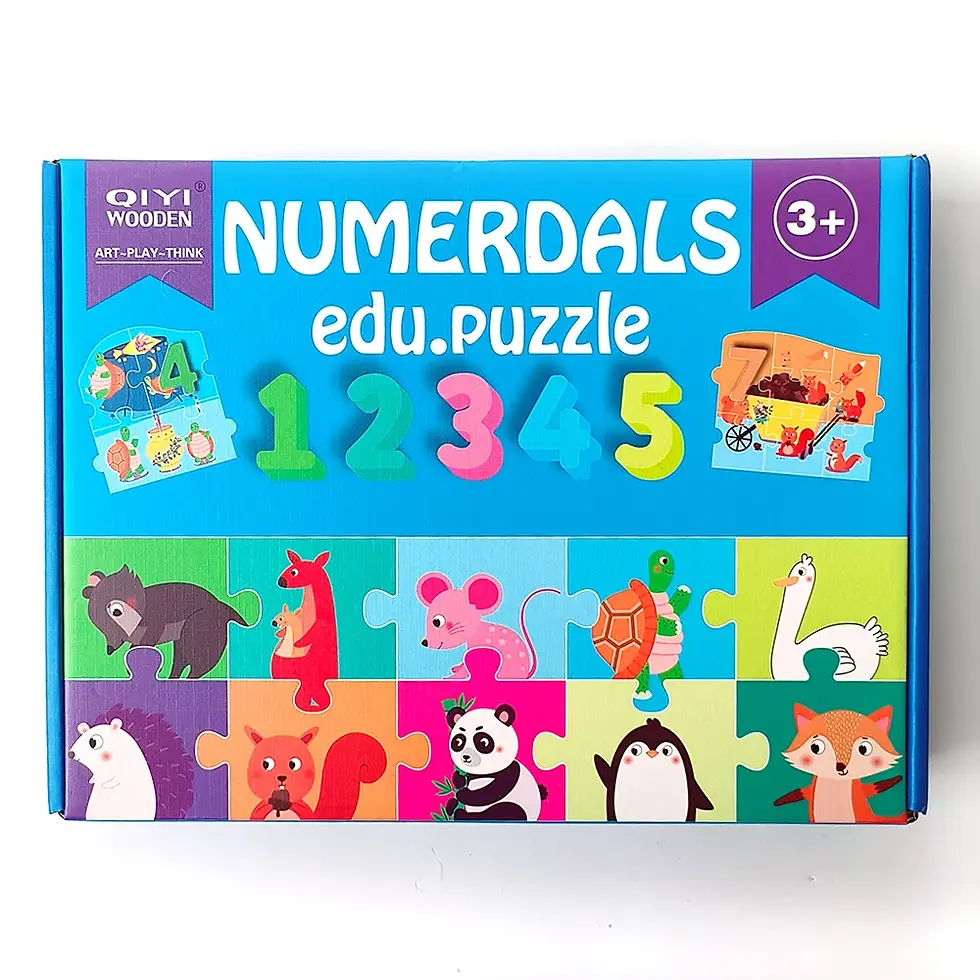
Manipulatives: Hands-on tools like blocks or counters help with math and science concepts.
Books and reading materials: A variety of books at different reading levels encourages literacy.
Technology tools: Tablets, interactive whiteboards, or educational apps can enhance learning.
4. Communication Tools
Clear communication with students and parents is essential:
Contact lists: Keep updated phone numbers and emails.
Communication notebooks: Send notes home or record messages.
Email templates: Save time by having ready-made messages for common situations.
5. Self-Care and Stress Relief Tools
Teaching is demanding, so don’t forget to care for yourself:
Stress balls or fidget tools: Use these during breaks to relax.
Water bottle: Stay hydrated throughout the day.
Comfortable shoes: You’ll be on your feet a lot, so choose wisely.
By assembling these essentials, you’ll feel more prepared and less stressed every day.
How to Use Your Toolkit for Maximum Impact
Having tools is one thing, but using them effectively is another. Here’s how I make the most of my teacher toolkit essentials:
Step 1: Start Your Day with a Plan
Before students arrive, review your lesson plan and materials. Set up your classroom so everything is easy to reach. This simple step saves time and helps you feel ready.
Step 2: Use Visuals to Guide Students
Display behavior charts and schedules where students can see them. This helps them know what to expect and what’s expected of them.
Step 3: Manage Transitions Smoothly
Use timers and signals to move students from one activity to the next. Clear transitions reduce downtime and keep students focused.
Step 4: Keep Communication Open
Send quick notes or emails to parents about student progress or upcoming events. Regular communication builds trust and support.
Step 5: Reflect and Adjust
At the end of the day, take a few minutes to reflect. What worked well? What could be improved? Adjust your toolkit and plans accordingly.
By following these steps, you’ll create a classroom rhythm that supports learning and reduces stress.

Where to Find the Best Resources
Finding quality resources can be time-consuming. That’s why I recommend checking out a trusted elementary teacher toolkit bundle. This bundle includes a variety of ready-to-use materials designed specifically for elementary educators. It saves you time and gives you access to tools that have been tested and proven effective.
Look for bundles or kits that include:
Lesson plans aligned with standards
Printable classroom management charts
Engaging activity sheets
Assessment tools
Using a comprehensive toolkit like this can jumpstart your teaching and help you focus on what matters most - your students.
Keep Growing Your Toolkit Over Time
Your teacher toolkit is never finished. As you gain experience, you’ll discover new tools and strategies that work best for you and your students. Here are some tips to keep improving your toolkit:
Ask for feedback: Talk to colleagues or mentors about what tools they use.
Attend workshops: Professional development can introduce you to new resources.
Try new technology: Explore apps and digital tools that enhance learning.
Customize materials: Adapt resources to fit your unique classroom needs.
Remember, the goal is to build a toolkit that supports your teaching style and helps your students succeed.
Empower Your Teaching Journey
Mastering your classroom is a journey, not a destination. With the right teacher toolkit essentials, you can create a positive, organized, and inspiring learning space. Start small, build steadily, and watch your confidence grow.
Every day brings new challenges and opportunities. When you have your toolkit ready, you’ll be prepared to meet them head-on. Keep exploring, keep learning, and most importantly, keep teaching with heart.
Your students will thank you for it.










Comments