


Optimizing Your Digital Teacher Planner

Organizing your teaching schedule and lesson plans can feel overwhelming. But with a digital teacher planner, you can simplify your workflow and stay on top of your tasks. I’ve found that optimizing a digital teacher planner makes a huge difference in managing time, resources, and student progress. In this post, I’ll share practical tips and easy steps to help you get the most out of your digital planner.
Why Choose a Digital Teacher Planner?
Switching from paper to digital planning offers many benefits. A digital teacher planner is flexible, easy to update, and accessible from multiple devices. You can quickly add, edit, or move lessons without erasing or rewriting. Plus, digital planners often come with features like reminders, links to resources, and customizable templates.
Using a digital planner helps you save time and reduce stress. You can organize your week, track student progress, and plan lessons all in one place. This means more time to focus on teaching and less time spent on paperwork.
How to Set Up Your Digital Teacher Planner
Setting up your digital planner correctly is the first step to optimizing it. Here’s a simple, step-by-step guide to get started:
Choose the Right Platform
Pick a platform that works well for you. Many teachers use apps like Google Calendar, Microsoft OneNote, or specialized planner apps. Make sure it syncs across your devices.
Create Sections for Key Areas
Divide your planner into sections such as lesson plans, attendance, grading, and meetings. This keeps everything organized and easy to find.
Use Templates
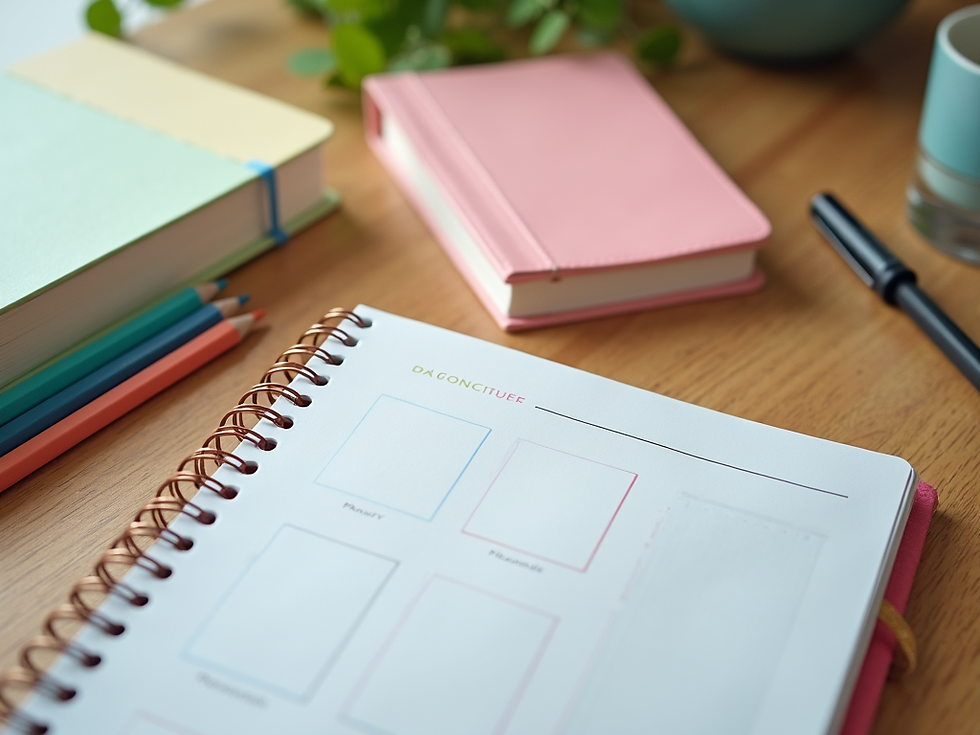
Templates save time and keep your planner consistent. You can create weekly lesson plan templates or daily to-do lists. Customize them to fit your teaching style.
Set Reminders and Alerts
Use reminders for important deadlines, meetings, or student follow-ups. This helps you stay on track without having to constantly check your planner.
Link Resources
Attach or link lesson materials, worksheets, and websites directly in your planner. This way, everything you need is just a click away.
By following these steps, you’ll have a digital teacher planner that works smoothly and supports your daily tasks.

Tips for Daily Use of Your Digital Teacher Planner
Once your planner is set up, using it daily is key to staying organized. Here are some tips to make daily planning easier and more effective:
Start Your Day with a Quick Review
Spend 5 minutes each morning reviewing your schedule and tasks. This helps you prioritize and prepare mentally for the day.
Update as You Go
Add notes or changes immediately. For example, if a lesson runs longer or a student needs extra help, jot it down right away.
Use Color Coding
Assign colors to different subjects, activities, or priorities. This makes your planner visually clear and easy to scan.
Set Time Blocks
Allocate specific time blocks for lesson planning, grading, and breaks. This helps you manage your time better and avoid burnout.
Reflect Weekly
At the end of each week, review what worked and what didn’t. Adjust your planner setup or routines accordingly.
These habits keep your digital teacher planner active and useful every day.
Customizing Your Planner for Student Engagement
A great digital teacher planner doesn’t just organize your tasks - it also helps you create engaging lessons. Here’s how to customize your planner to support student success:
Include Learning Objectives
Clearly state what students should learn each day. This keeps your lessons focused and measurable.
Plan Interactive Activities
Schedule group work, hands-on projects, or technology use. Note these activities in your planner to ensure variety.
Track Student Progress
Use your planner to record observations, quiz scores, or participation. This helps you tailor lessons to student needs.
Add Reflection Time
Plan moments for students to reflect on their learning. This can be a quick journal entry or a class discussion.
Incorporate Differentiation
Note modifications or extensions for different learners. This ensures all students stay challenged and supported.
By customizing your planner this way, you create a roadmap for engaging and effective teaching.

Making the Most of Technology Features
Digital planners come with many features that can boost your productivity. Here’s how to use technology to your advantage:
Use Hyperlinks
Link to online resources, videos, or documents. This saves time searching for materials during lessons.
Integrate with Other Apps
Sync your planner with email, calendars, or communication tools. This keeps all your schedules aligned.
Utilize Voice Notes
Record quick voice reminders or ideas when you’re on the go. This is faster than typing and helps capture thoughts instantly.
Set Recurring Tasks
Automate routine tasks like weekly grading or parent communication. This reduces repetitive work.
Backup Regularly
Save your planner data to the cloud or an external drive. This protects your work from accidental loss.
Using these features makes your digital teacher planner a powerful tool for managing your teaching life.
Your Next Step to Better Planning
Optimizing your digital teacher planner is a journey, not a one-time task. Start small by setting up your planner and using it daily. Gradually add customizations and explore technology features. Remember, the goal is to make your planning easier and more effective.
If you’re looking for the best digital teacher planner, explore options that fit your style and needs. The right planner can transform your teaching experience and help you create a positive learning environment.
Keep experimenting and adjusting your planner until it feels like a natural part of your routine. With a well-optimized digital teacher planner, you’ll have more time and energy to focus on what matters most - inspiring and supporting your students.










Comments